


Apple’s weather data framework “WeatherKit” is a powerful infrastructure that provides real-time, highly accurate weather data on iOS, macOS, watchOS, and tvOS. Built in-house by Apple and continuously operated and optimized, this platform integrates multiple data sources, including satellite data, ground observations, and weather models, to handle the diverse weather conditions found around the world.
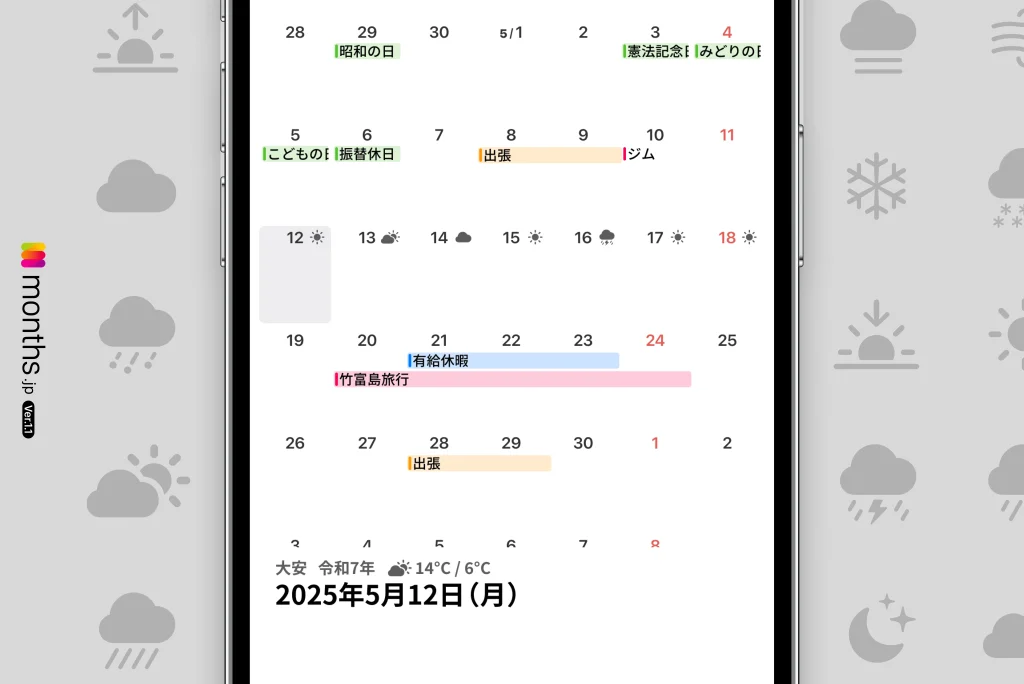
Our app “months” is designed to take advantage of WeatherKit, blending the weather information users need into the calendar and delivering it seamlessly and in a visually intuitive way.
Key features of WeatherKit and how “months” uses them
1. Retrieving and displaying real-time weather information
Once a user grants permission to use location services, the app instantly retrieves and displays the latest weather data based on their current location. WeatherKit continuously fetches the most recent weather information in the background, and with its very high update frequency, it can respond immediately to weather trends that change moment by moment.
2. Detailed weather forecasts up to 10 days ahead
“months” displays weather forecasts up to 10 days ahead, along with the daily high and low temperatures. It supports useful everyday decisions such as choosing what to wear each day and timing your outings.
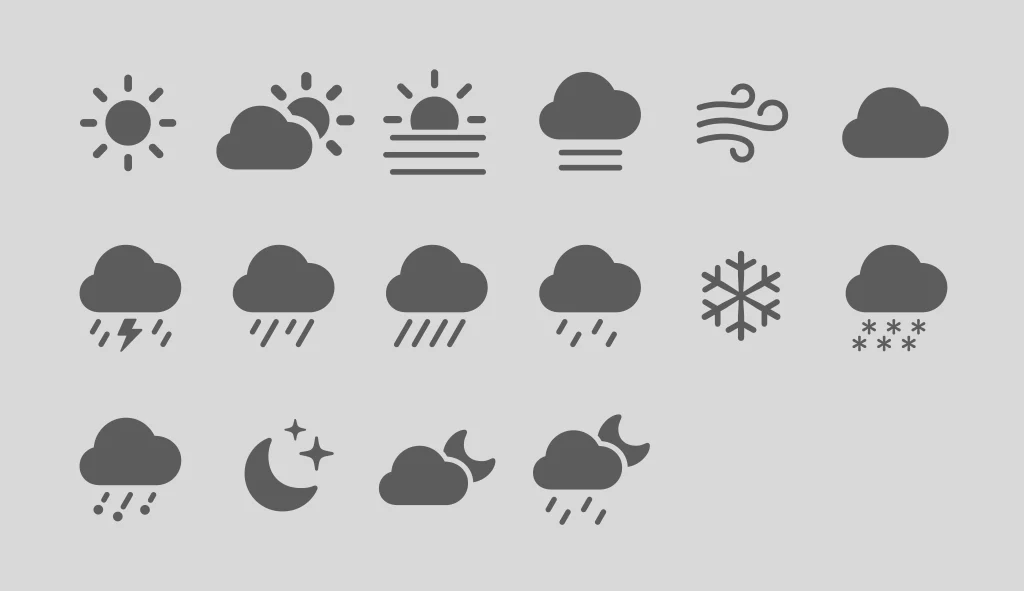
Refined weather icons made possible by SF Symbols
Apple’s system icon set “SF Symbols” is an important design resource for achieving a unified interface. The weather-related SF Symbols also offer symbols for a wide variety of situations such as cloudy, rain, thunder, snow, and clear skies, making them visually intuitive. They make it possible to achieve both design consistency and visibility. “months” uses these for its weather representations as well.
In closing
We hope this new weather display feature makes your daily life a little more comfortable. We’ll continue working to add even more convenient and appealing features. Be sure to update and try out the evolved months!




