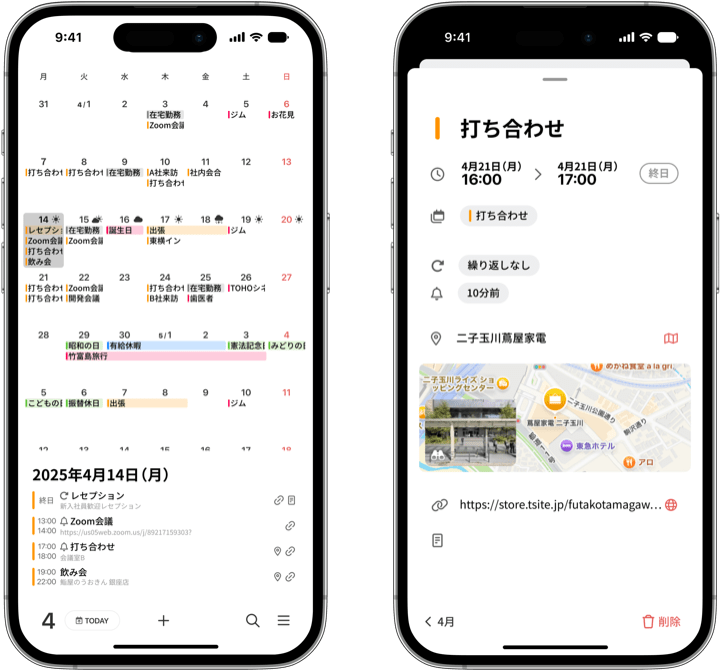
Thank you for using months.
We have just released the new version, ver. 2.1.
With this update, you can pinch the calendar up and down to change how many events each day shows, right where you are.

Until now, you chose the number of events shown per day under Displayed Event Count in Settings.
From ver. 2.1, all it takes is moving two fingers up and down on the calendar.
Show more when a week is packed, or show fewer and take in a wider view when you want to check what is coming up — without ever leaving the screen you are on.
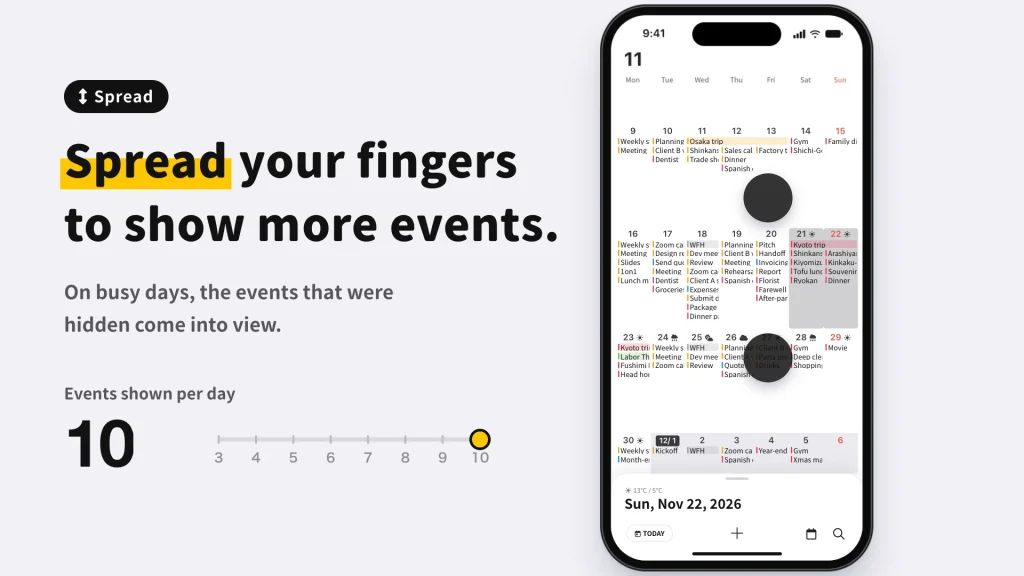
Spread your fingers to show more events
Spread two fingers apart vertically on the calendar and each day shows more and more events.
Every week grows taller, so even on busy days the events that were hidden come into view.
No need to tap a date just to see what else is on that day — a glance at the calendar tells you.
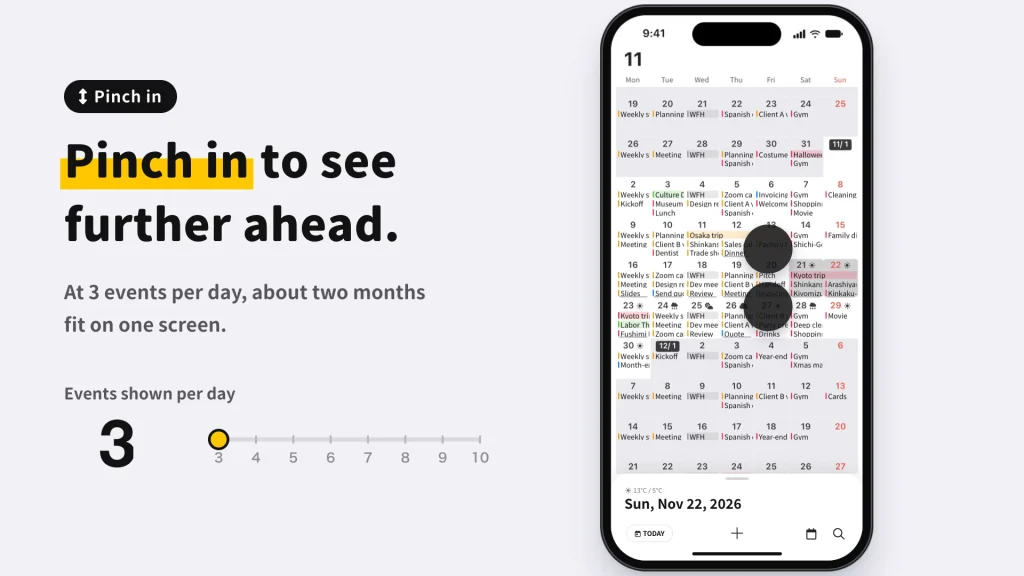
Pinch in to see further ahead
Pinch your fingers together and each day shows fewer events, so every week takes up less room.
More weeks fit on one screen, letting you see next month and the month after at a glance.
Handy when you are planning a trip or a long weekend, or looking for a free day a little further out.
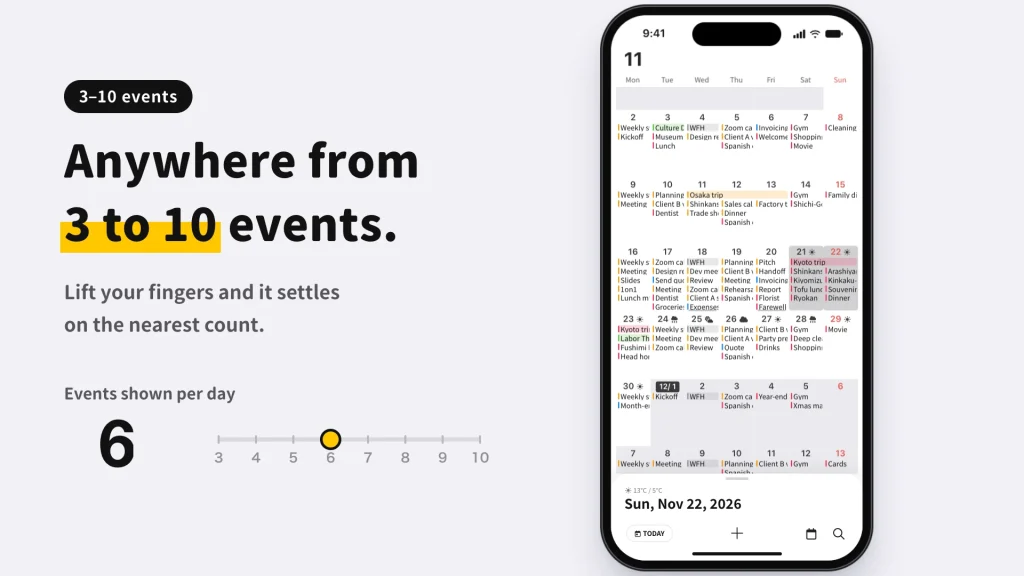
Anywhere from 3 to 10 events
You can show anywhere from 3 to 10 events per day.
The calendar follows your fingers smoothly, and when you lift them it settles on the nearest count.
Pick whatever suits the day’s workload and how far ahead you want to see.
We have also made various small refinements and optimizations.
Have feedback or a feature request? We would love to hear from you via Contact in the app.
months keeps evolving to be the calendar you will want to open every day.
If you have not tried months yet, it is free for one week.