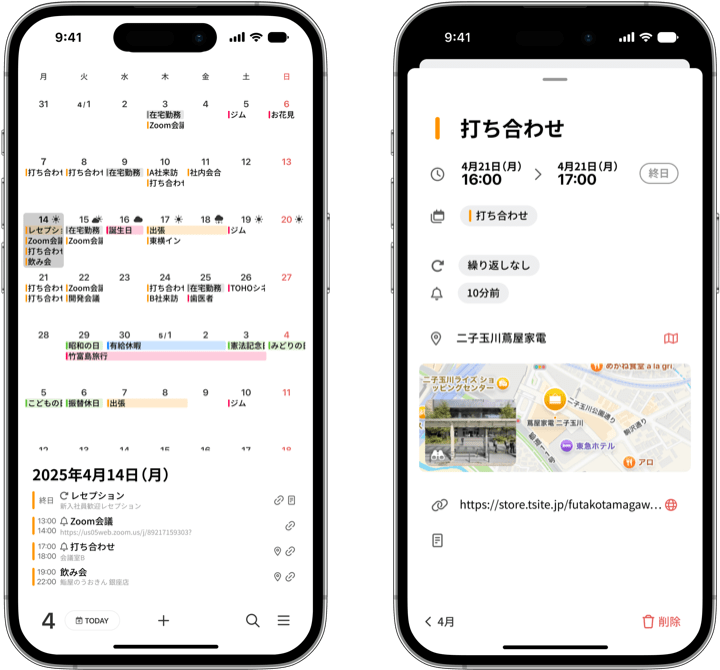
Thank you for using months.
We have just released the new version, ver. 1.7.0. The highlight of this update is a months-exclusive feature: you can now add “tags” to the events on your calendar.
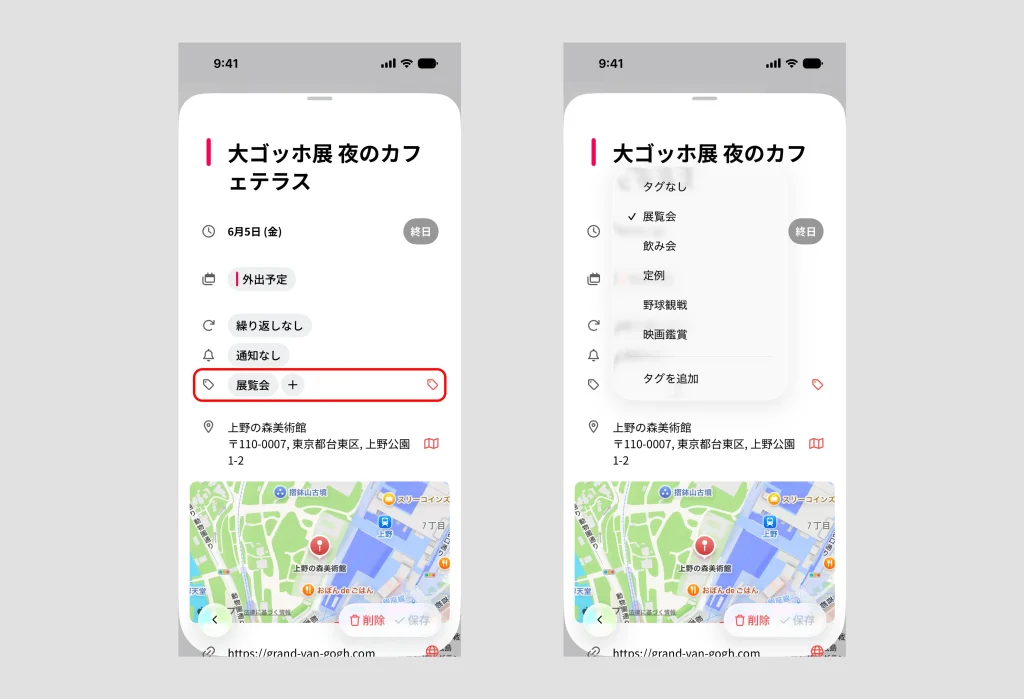
You can now add tags to your events
Art exhibitions, movies, concerts, sports games — just add tags like “#exhibition” or “#live” to the events you care about. Tags are completely free-form, so you can organize them around whatever matters in your life.
Being able to tag the events on your calendar itself is an original feature you will only find in months.
Call up your tags instantly from the Search page
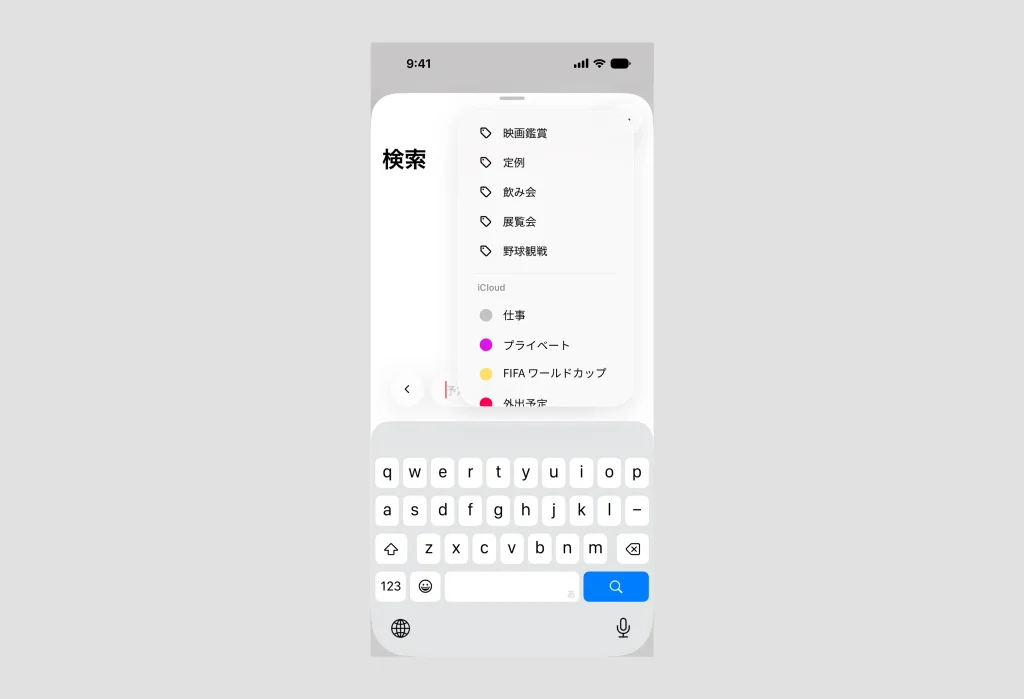
The tags you create are always at hand on the Search page. When you open Search, all of your existing tags are listed right there — no typing needed. One tap on a tag runs the search instantly, so whenever you think “I want to see those records again,” you can get there in seconds.
Look back on your whole year, one tag at a time
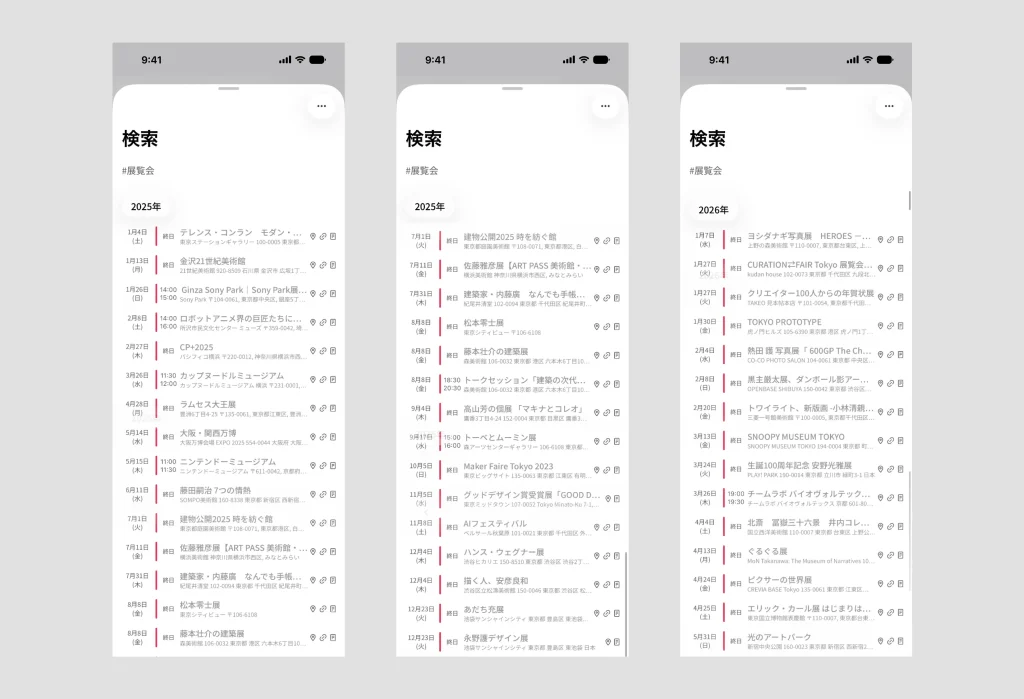
Once your events are tagged, all it takes is a search. Search for “#exhibition” and every exhibition you visited that year lines up in chronological order. “How many concerts did I go to this year?” — questions like that are answered at a glance.
The “search + pin” way of looking back that we introduced in this article becomes even more natural — and more fun — with tags. A calendar is not just a tool for planning the future. With months, it is also a place to fondly revisit the days gone by, theme by theme.
All your memories, listed by theme
When you search by tag, only the events with that tag appear, sorted by date. Alongside the usual vertical-scroll calendar view of your months and days, tag search gives you another view: your records gathered by theme, like “exhibitions” or “concerts.”
As the records pile up across the years, looking back becomes richer and richer — “How many times did I go this year?” “I used to go there all the time.”
months will keep evolving to make your everyday easier to see and more fun.
Give ver. 1.7.0 a try. If you have not tried months yet, it is free for one week.