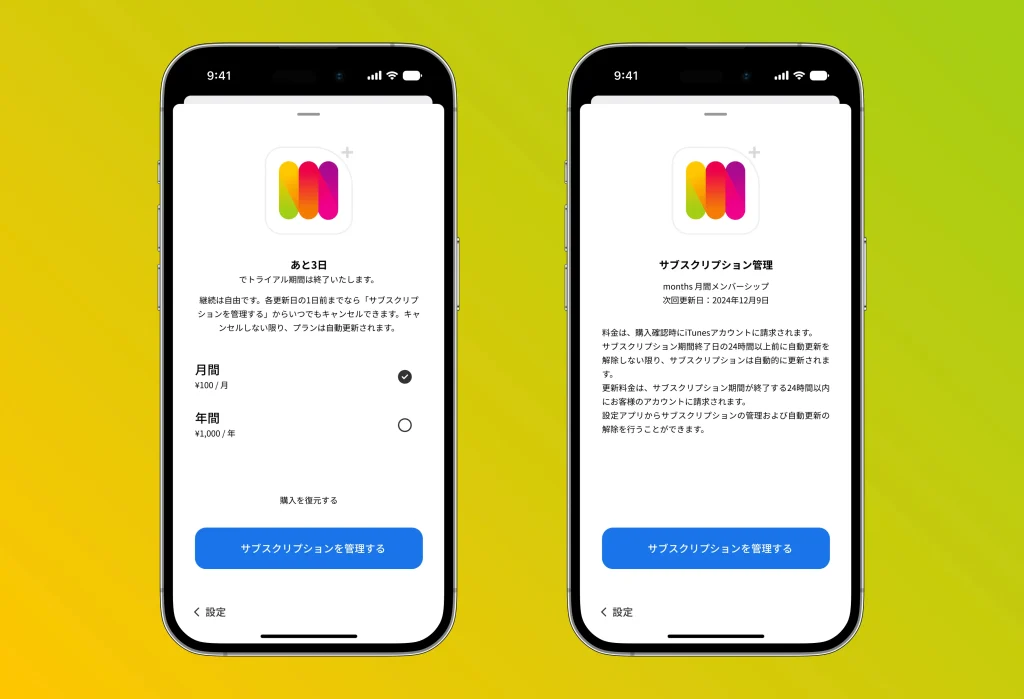
Here’s how to cancel a subscription for an iPhone app:
1. Open the “Settings” app
Tap the “Settings” app on your iPhone home screen.
2. Tap your name
Tap your name (Apple ID) shown at the very top of the Settings screen.
3. Select “Subscriptions”
Tap “Subscriptions” in the menu. This shows a list of your active subscriptions.
4. Choose the subscription you want to cancel
Tap months to open its detail screen.
5. Tap “Cancel Subscription”
Tap “Cancel Subscription” near the bottom of the detail screen. A confirmation dialog will appear — tap “Confirm” to finish.
Once the cancellation is complete, your subscription will not renew and remains usable until the end of the current billing period.