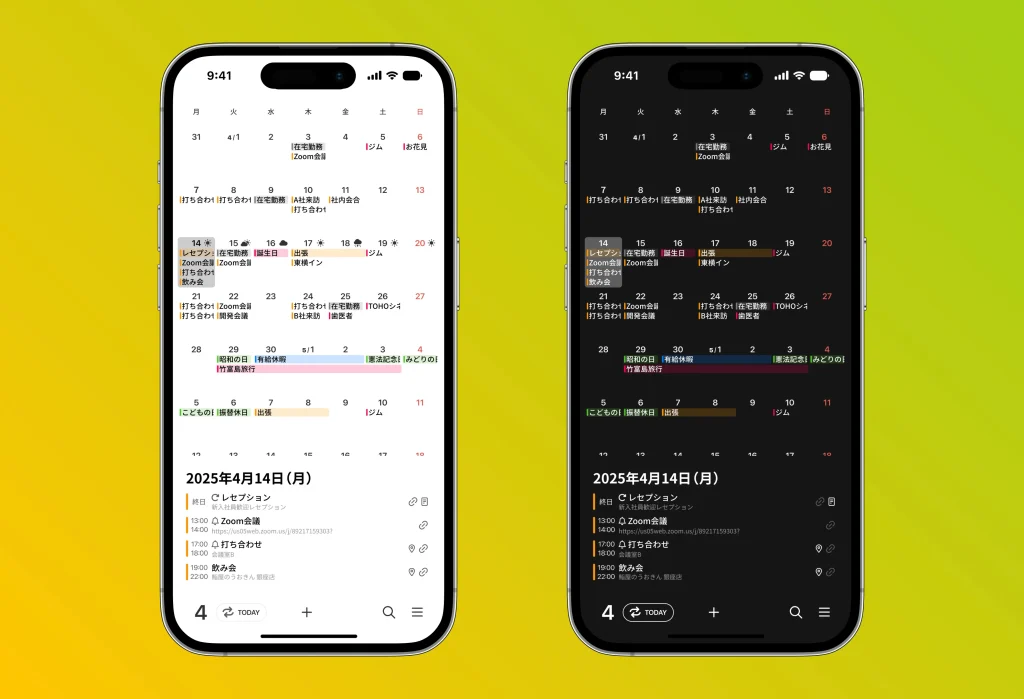
Dark mode is a feature that switches the screen to a black-based theme, offering many benefits such as reduced eye strain and longer battery life. Here we explain the details and how to set it up.
Enabling it from the Settings app
- Open the “Settings” app on your iPhone.
- Tap “Display & Brightness.”
- Under “Appearance,” select “Dark.”
Setting up automatic switching
- In the same “Display & Brightness” menu, turn on “Automatic.”
- Tap “Options” to set “Sunset to Sunrise” or a custom schedule. This automatically switches between light mode and dark mode depending on the time of day.
Setting it in the months app
- You can set it from the menu at the bottom right of the screen, under “General” and then “Appearance.”