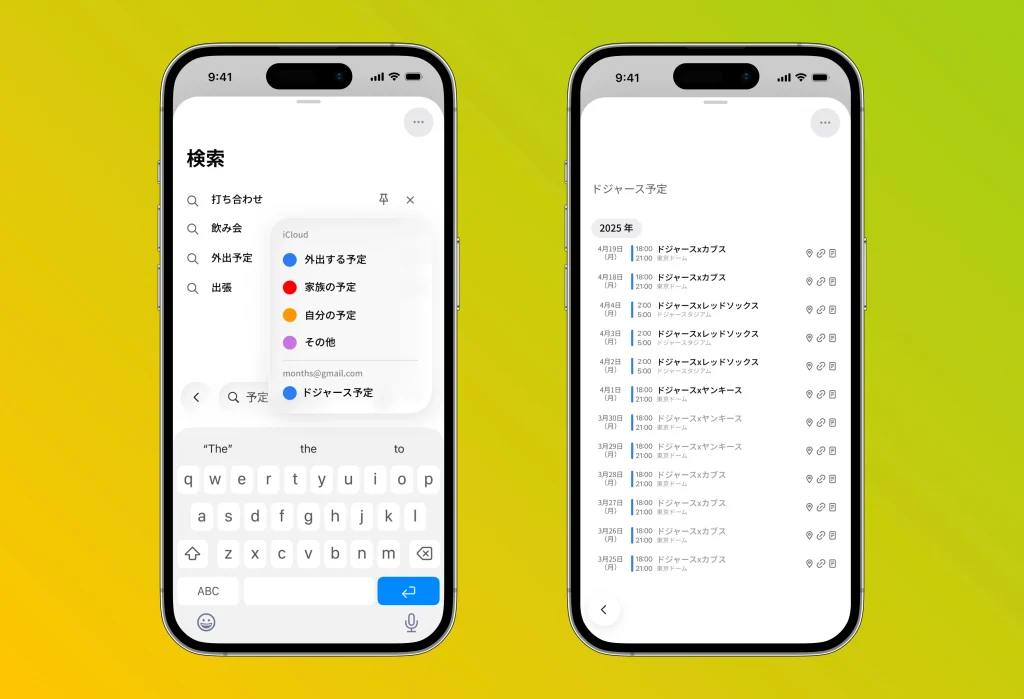
months is now at version 1.3, with a fully refreshed in-app UI designed to match the look and feel of iOS 26 (Liquid Glass).
The event display palette at the bottom of the screen can now be resized across three levels for greater convenience, and a new calendar-visibility toggle in the navigation bar lets you switch views to suit the moment. The search feature now also supports a per-calendar list view, giving you more flexibility when working with multiple calendars.

A UI refreshed to match Liquid Glass
We have completely redesigned the UI to align with the Liquid Glass look and feel introduced in iOS 26.
By incorporating a design that conveys a sense of transparency and depth, the entire screen feels lighter and easier to read, making it even more intuitive to grasp your schedule and navigate the app. The familiar ease of use remains, but in harmony with the latest iOS design, we deliver a more refined visual experience.
A resizable event palette for greater convenience
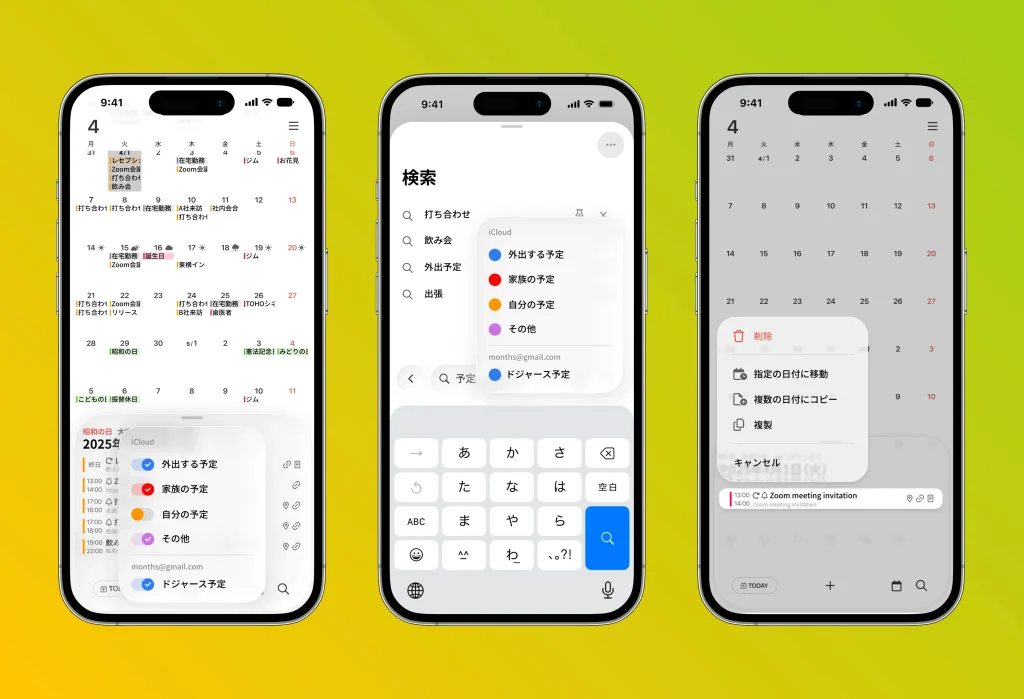
We have updated the daily event display palette at the bottom of the calendar to be resizable across three levels.
This lets you flexibly adjust the display to fit your needs—from a simple overview when you just want the gist, to a detailed list when you want to see everything. Because you can choose the view best suited to the amount of information you need, both usability and convenience are significantly improved.
More freedom to control which calendars you see
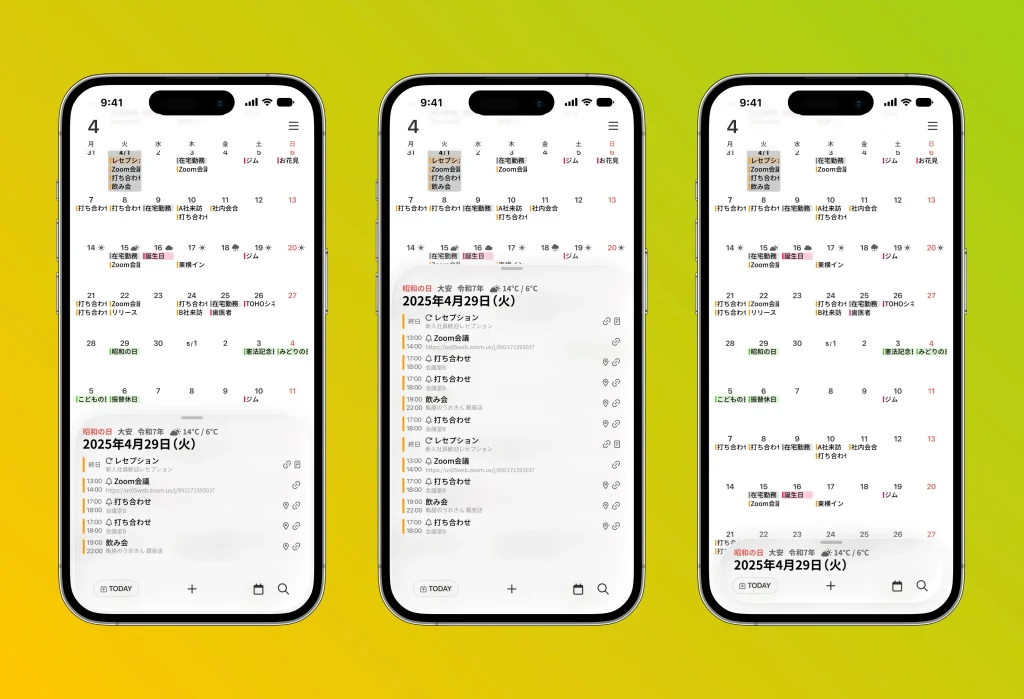
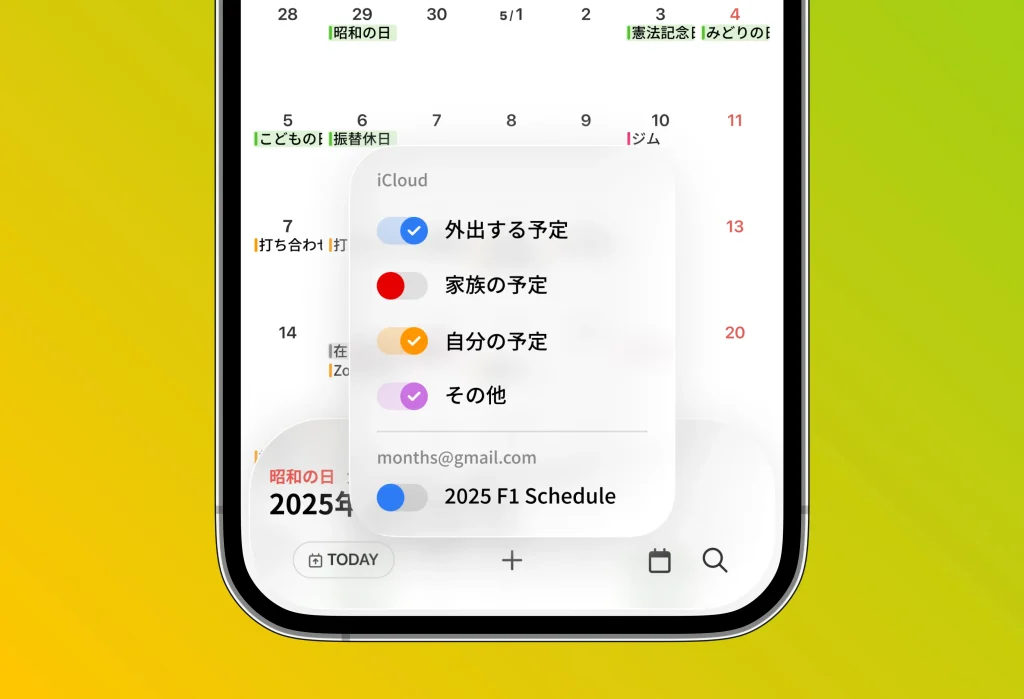
A new calendar icon has been added to the tab bar, making it easy to toggle each calendar on or off.
This lets you instantly view only the events you need for the moment and keep your information neatly organized. For example, you can temporarily show your sports-watching or hobby plans in your personal time, then hide family events during work hours so you can focus on the task at hand—flexible switching like this is now possible.
With simple controls, you can now set up the calendar environment that works best for you.
Search within calendars is now available
We have updated the search feature to newly support searching by individual calendar.
You can now list events from just a specific calendar, making it efficient to find exactly the information you need. In addition, past events are now shown in gray, so you can intuitively distinguish them from upcoming events.
Together, these changes greatly improve both searchability and visibility.