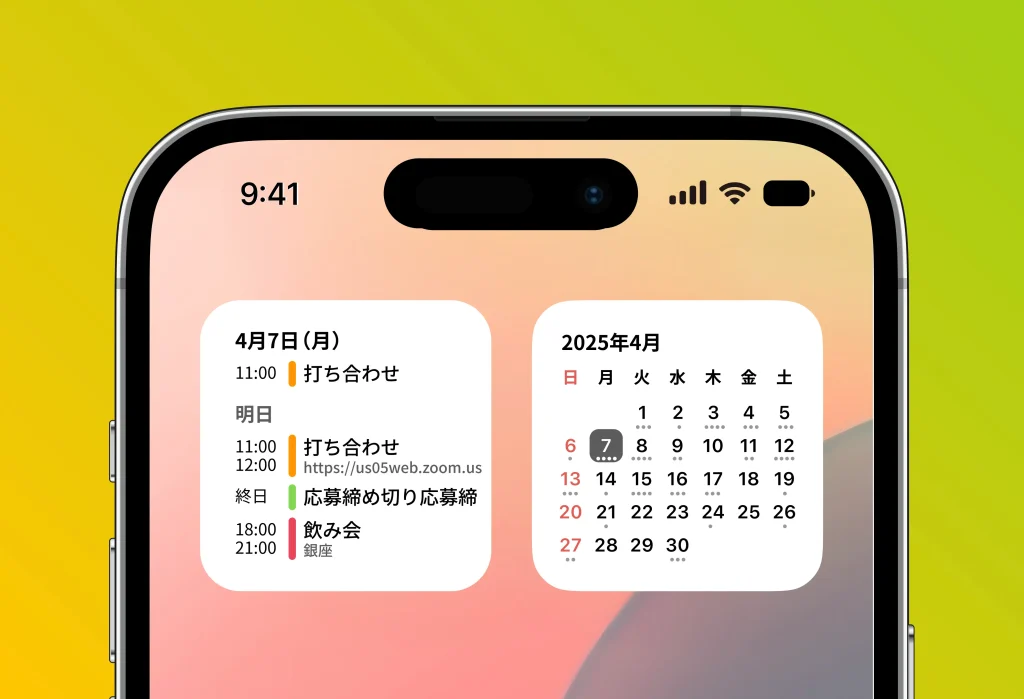
Here we explain in detail how to set up and make the most of months widgets.
Widgets are a handy feature that lets you check your schedule right from the home screen, and new designs and features are planned in future updates.
Types of widgets
• Upcoming events: Displays your nearest upcoming events.
• Month view: A monthly calendar that highlights today’s date and shows how full your schedule is.
How to set up widgets on iOS: steps to add one to your home screen
- Press and hold an empty area of your home screen to enter edit mode.
- Tap the “+” button that appears in the top left of the screen.
- Select “months” from the widget gallery.
- Choose a widget and tap “Add Widget.”
- Adjust its placement, then tap “Done” in the top right to finish.