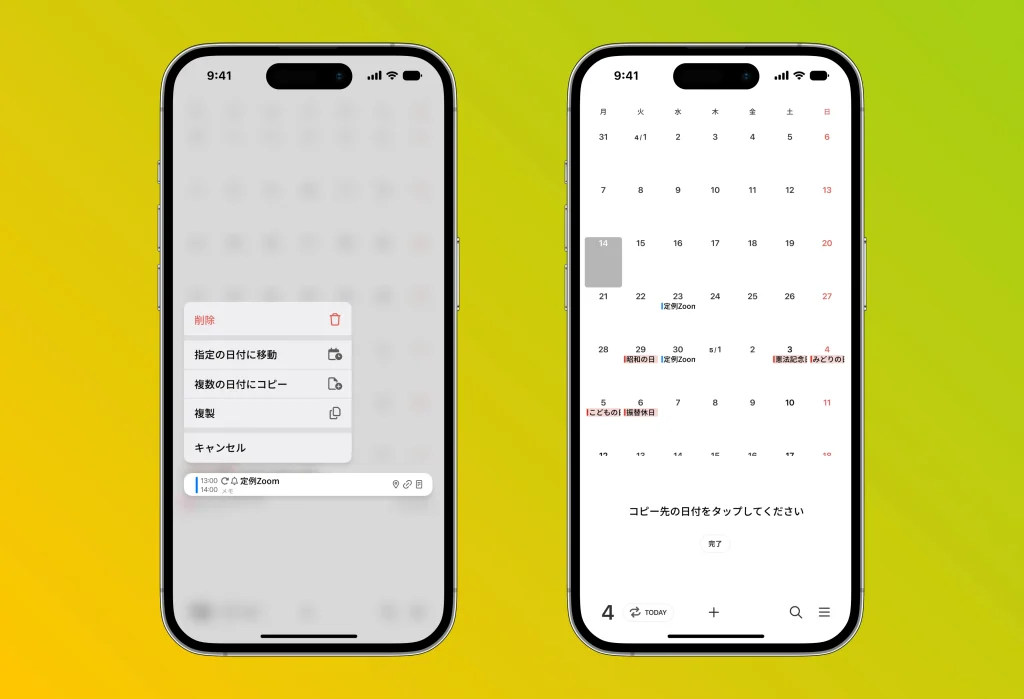
When you “long-press” an event you’ve added to the calendar, a handy menu appears. This menu includes the following features:
1. Move to a specific date
You can move the currently selected event to a different date. Simply choose the destination date to easily reschedule the event.
2. Copy to multiple dates
You can copy the selected event to multiple dates. This is handy when you want to set the same event on several different days.
3. Duplicate
You can duplicate the current event. This is useful when you want to add the same event at a different time or place.
By taking advantage of these features, managing your calendar events becomes more efficient and flexible.